
Get Started
How does it works?1. Install
2. Add
3. Generate
4. Display
Testimonial Form
Frontend Testimonials Submissions FormAdd the shortcode or widget to display testimonial submission form for visitors or your customers.
Customization
ATM Pro comes with highly customizable options available for the form submissions. It has a built in feature to blend into any theme. If you are unhappy with the default layout. Then you don’t need to worry about it, you can go to WordPress Admin > Testimonials Pro > Settings where you can customize the UI for the submissions form.
Shortcode for the form.
Customizable Form UI
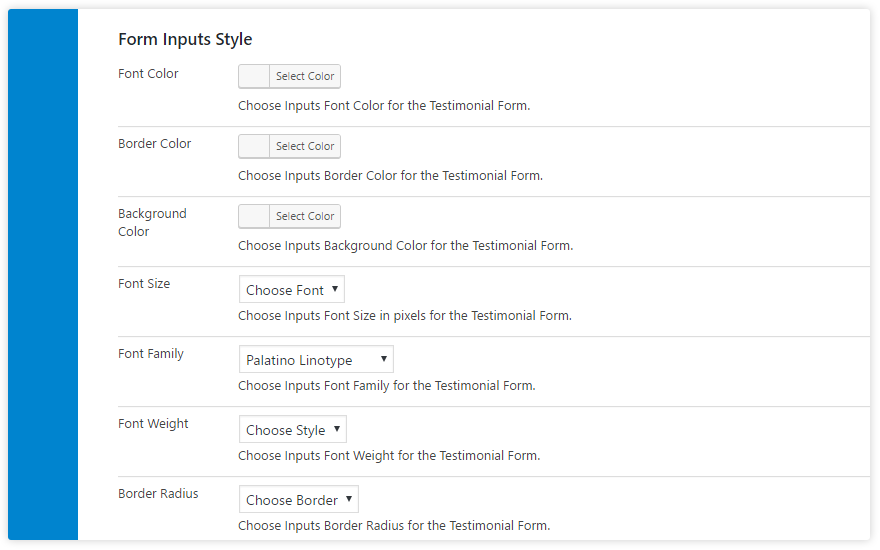
ATM Pro Plugin comes with pretty handy features that will help you customize the look and feel of your testimonial submission form according to your website look and feel.
Testimonials settings area has a features of customizing the following fields.
- Font Color
- Border Color
- Background Color
- Font Size
- Font Family
- Font Weight
- Border Radius
Advanced Button Customization
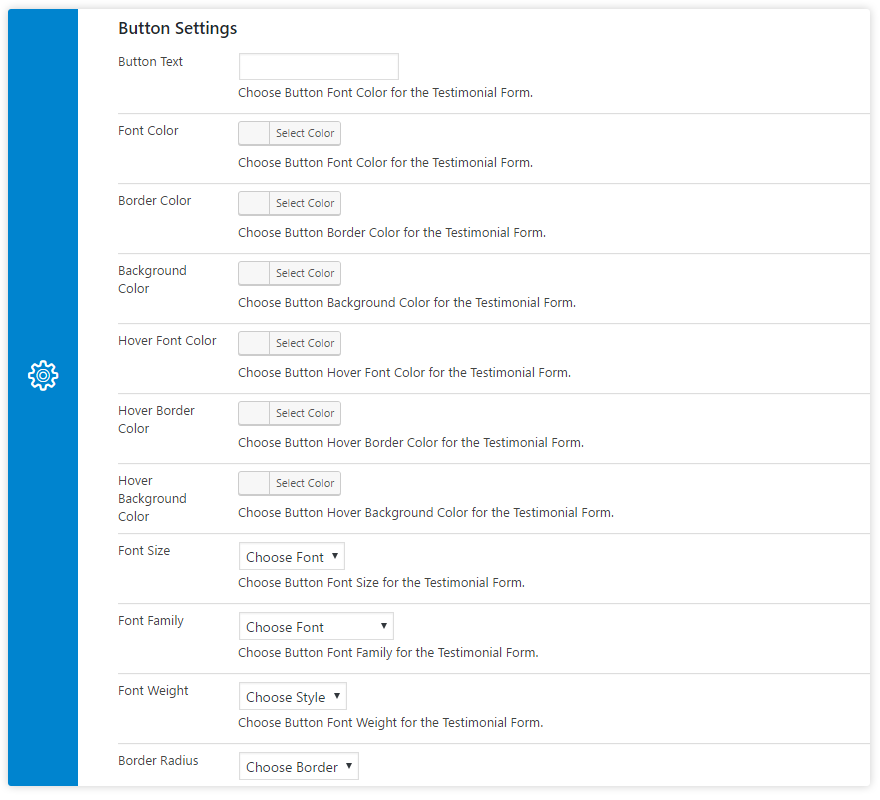
ATM Pro Plugin comes with pretty handy features that will help you customize the look and feel of your testimonial submission form button according to your website look and feel. Add your own button text.
Testimonials Form Button has features of customizing the following fields.
- Button Text
- Font Color
- Border Color
- Background Color
- Hover Font Color
- Hover Border Color
- Hover Background Color
- Font Size
- Font Family
- Font Weight
- Border Radius
Advanced Notification Message
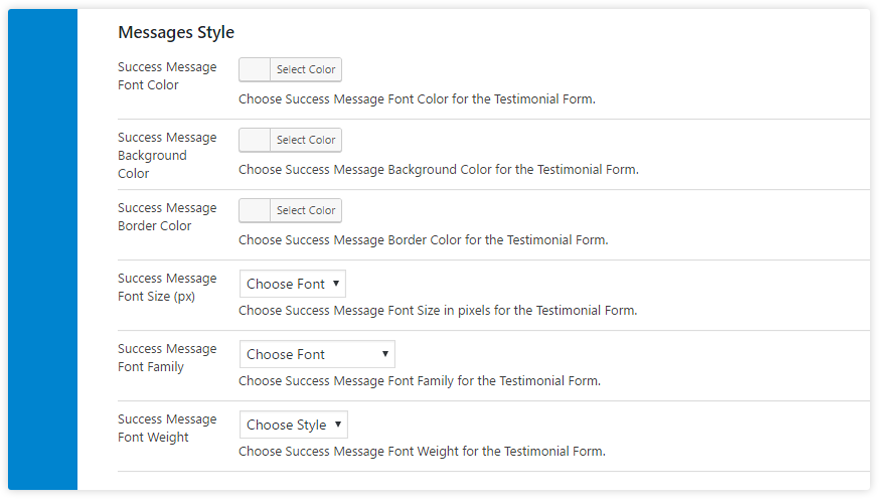
ATM Pro Plugin comes with the customizable option for the notification message which appears after the form is submitted. Settings will help you customize the look and feel of your notification message and box background and custom text color to look pleasing to your visitors.
Notification message settings has following fields.
- Success Message Font Color
- Success Message Background Color
- Success Message Border Color
- Success Message Font Size (px)
- Success Message Font Family
- Success Message Font Weight
Thank you! Your testimonial is submitted.
Notification Email
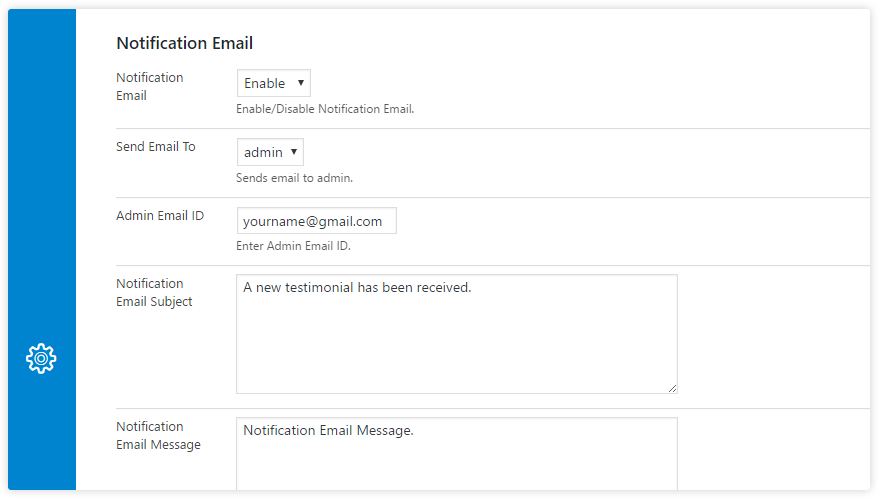
ATM Pro Plugin comes with the email notification option when the testimonials are submitted from the frontend. If you wish to customize the mail headers for the notification then yes, its possible with our plugin you can go to the settings section in the plugin and look for notification email section and customize your email headers including your custom email where you wish to receive the email alerts.
- Notification Email
- Send Email To
- Admin Email ID
- Notification Email Subject
- Notification Email Message
- Notification Headers Message